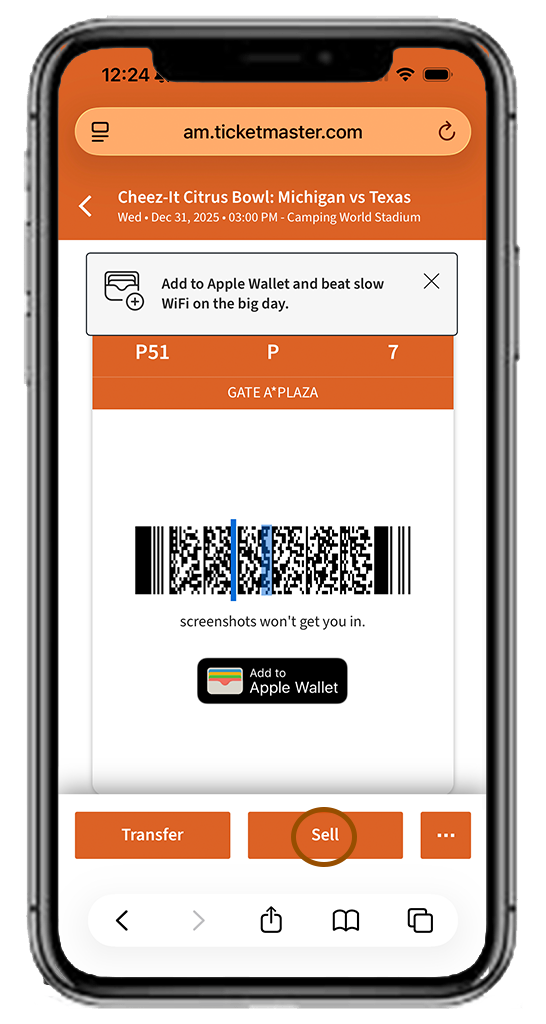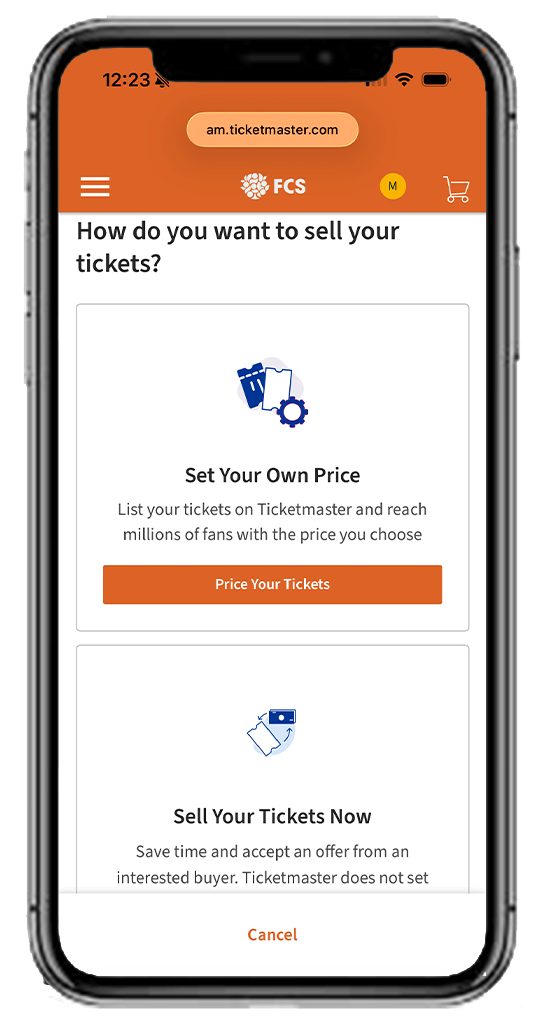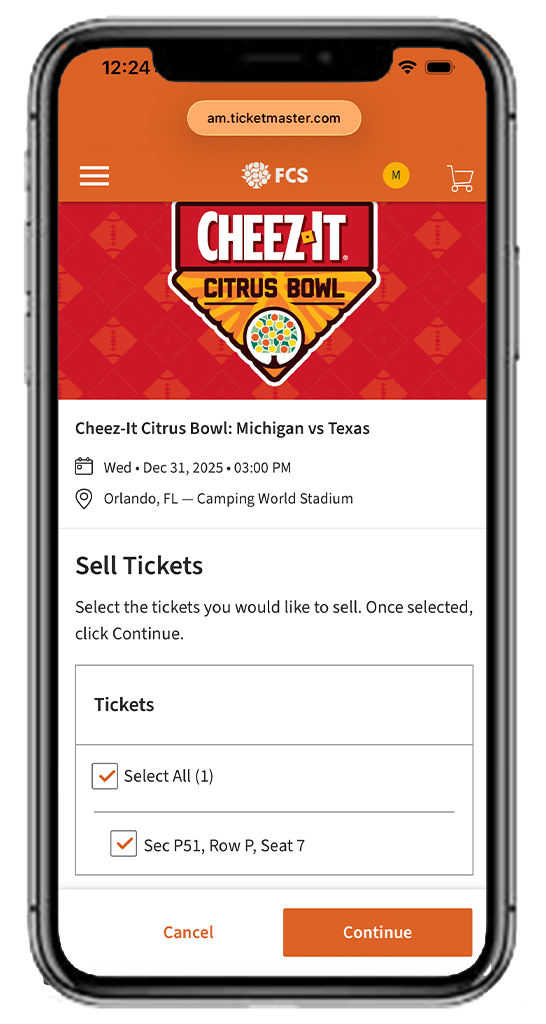



















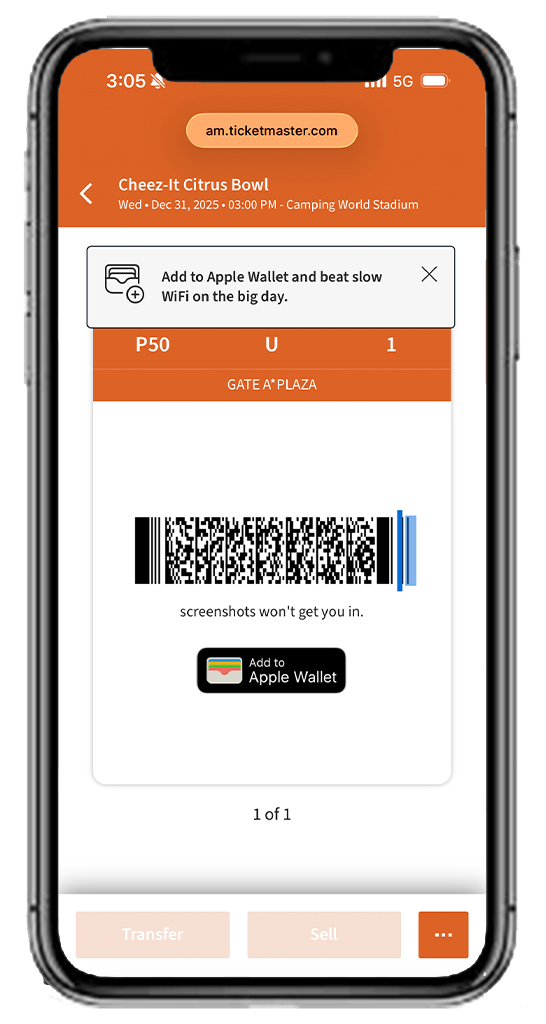
Fans are encouraged to save their tickets to their mobile device’s wallet before arriving at the stadium.
Mobile ticketing greatly improves the fan experience at Camping World Stadium by making stadium entry quick and easy. Managing your tickets from your smartphone provides a more convenient experience while drastically reducing the risk of counterfeit tickets. The Mobile Ticketing Guide below will help you through the steps of accessing, selling and transferring your mobile tickets for Florida Citrus Sports events at Camping World Stadium.
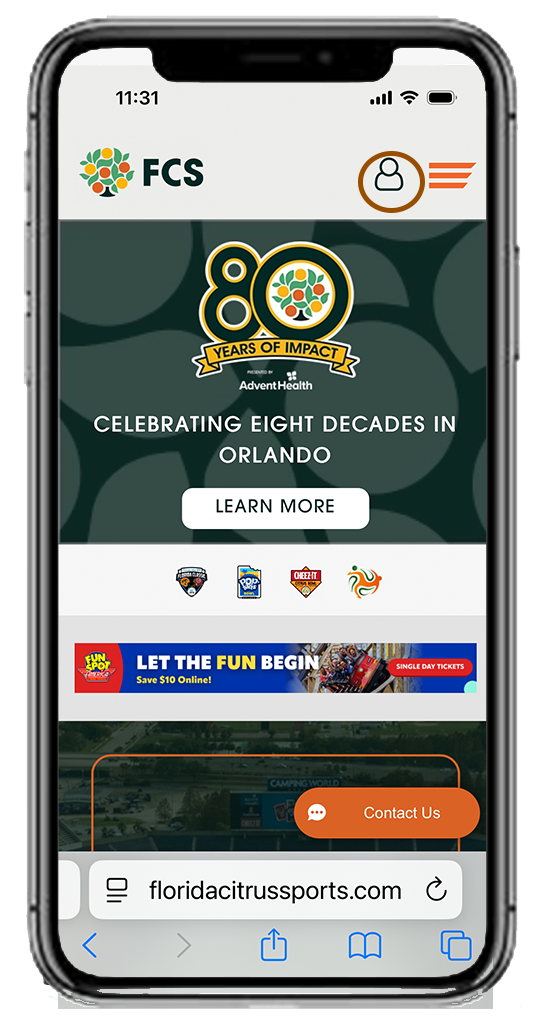
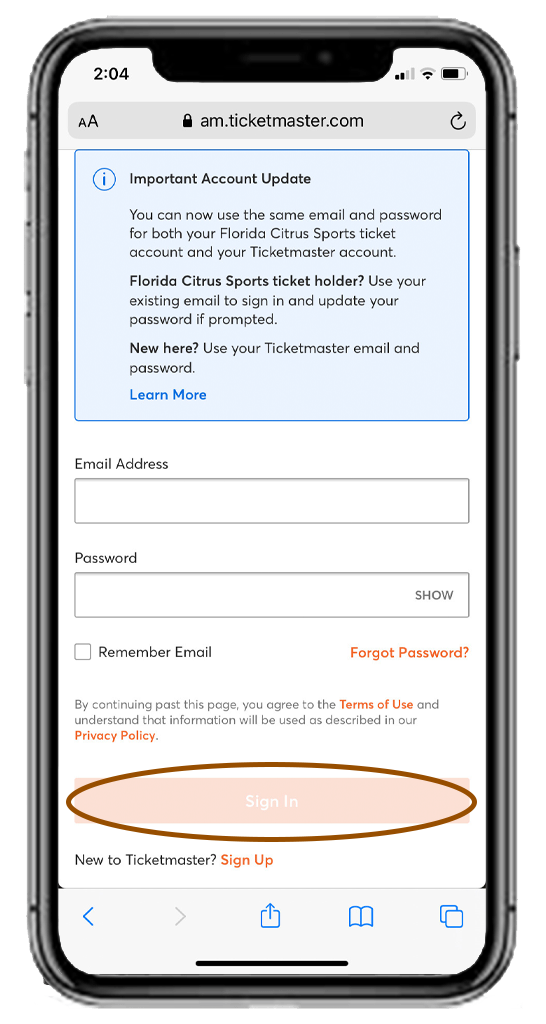
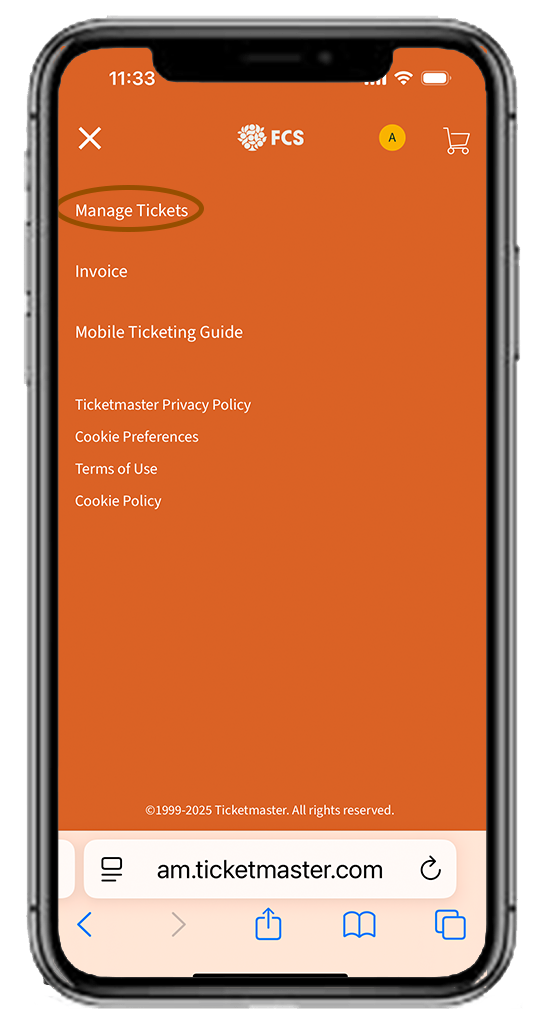
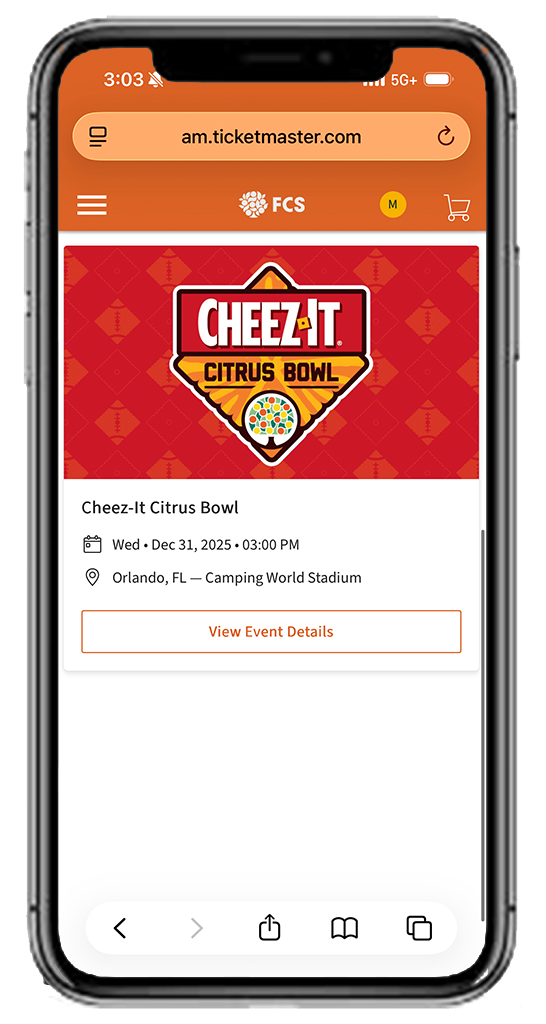
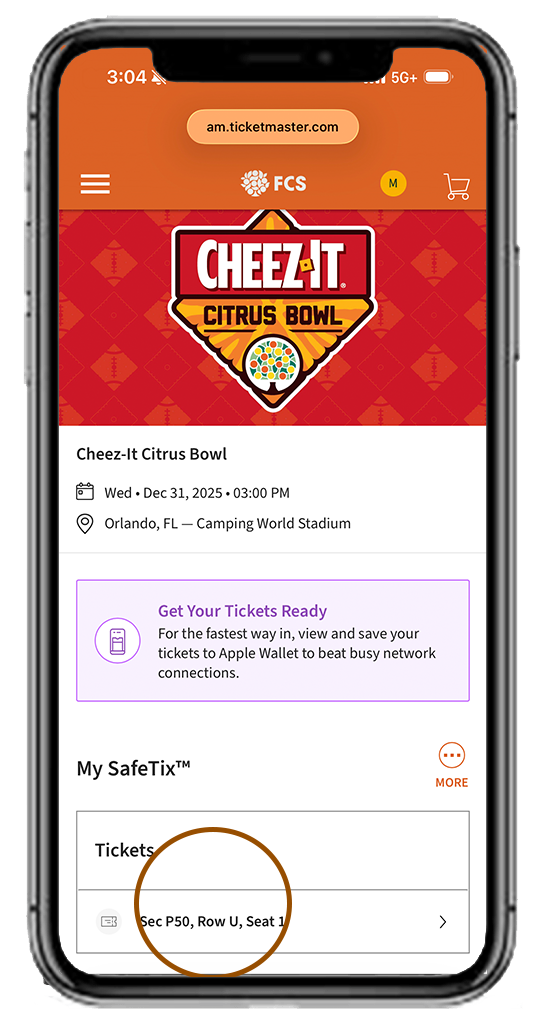
- Fans who purchased tickets directly from either participating school or Florida Citrus Sports can access them using the Florida Citrus Sports Account Manager tool. (See below for step-by-step instructions)
- Fans who purchased tickets via Ticketmaster.com can access them using the Ticketmaster app.
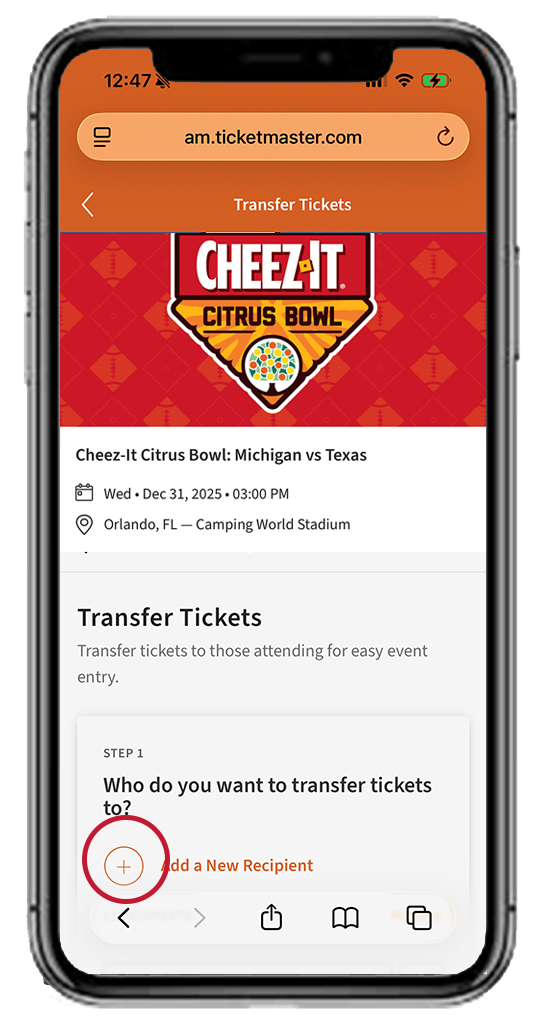
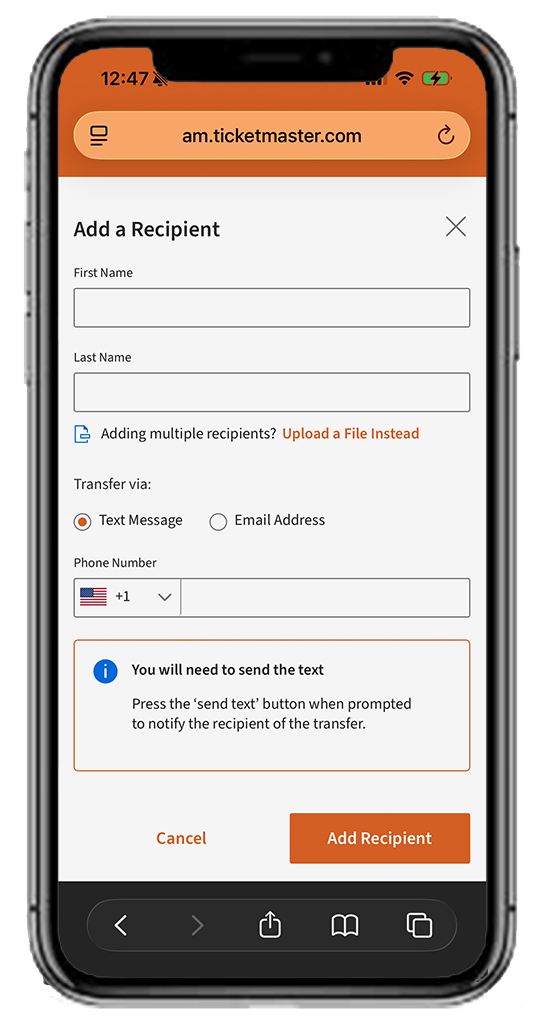 Enter the recipient’s information in the correct fields and then click “Add Recipient” at the bottom of the page.
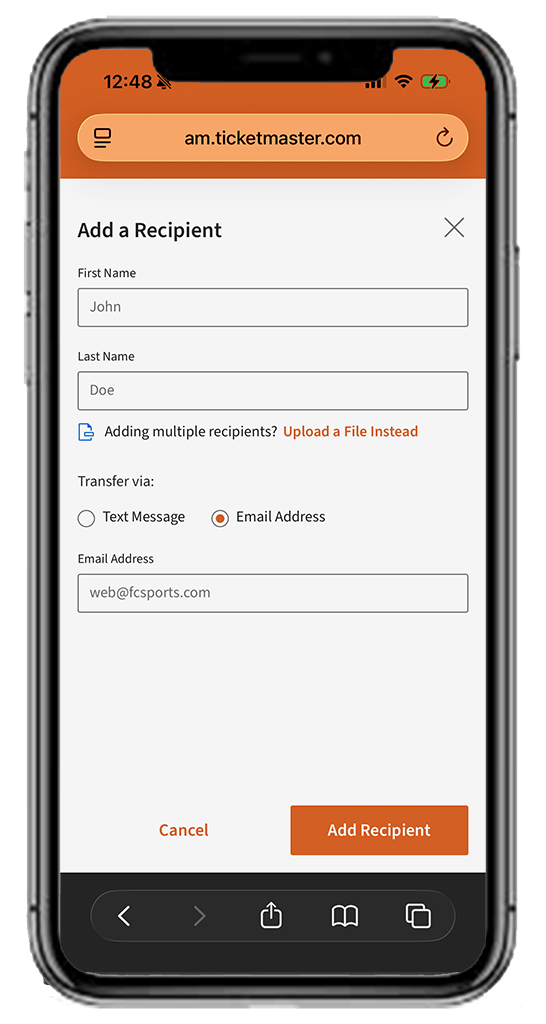 You can choose to either send the ticket(s) through text message (Step 3) or through email.
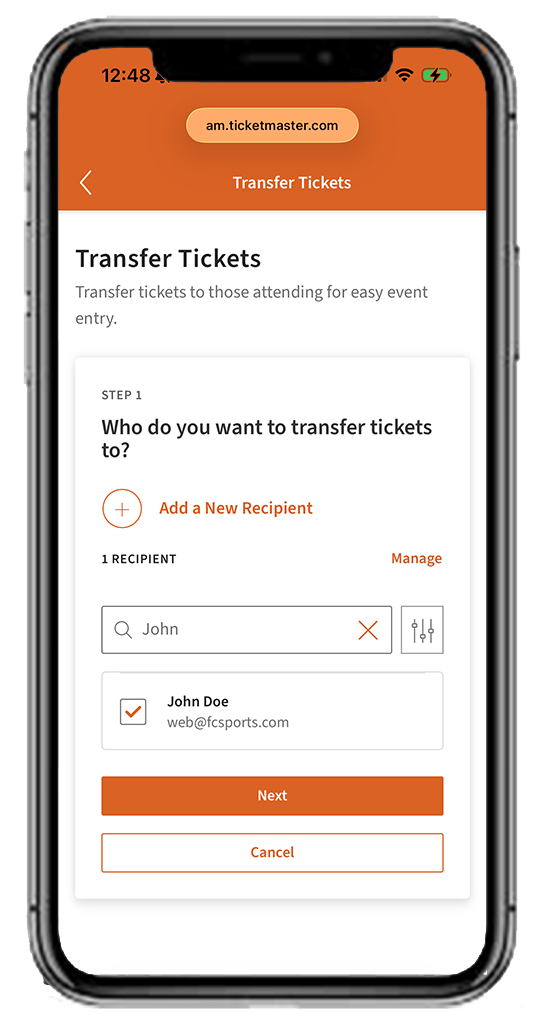 After recipient has been added, you will select their name and then click “Next”.
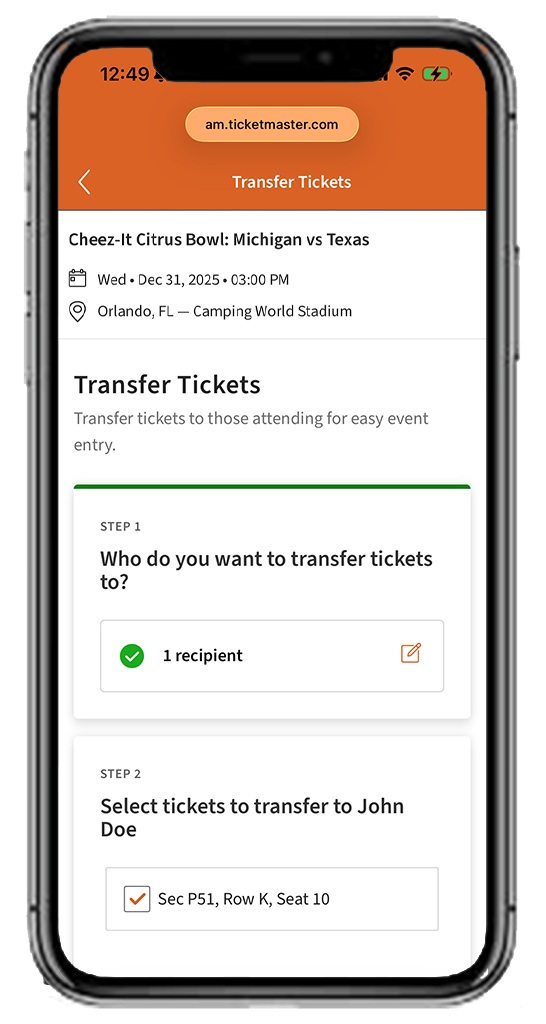 Select the ticket(s) you wish to transfer, then click “Continue”.
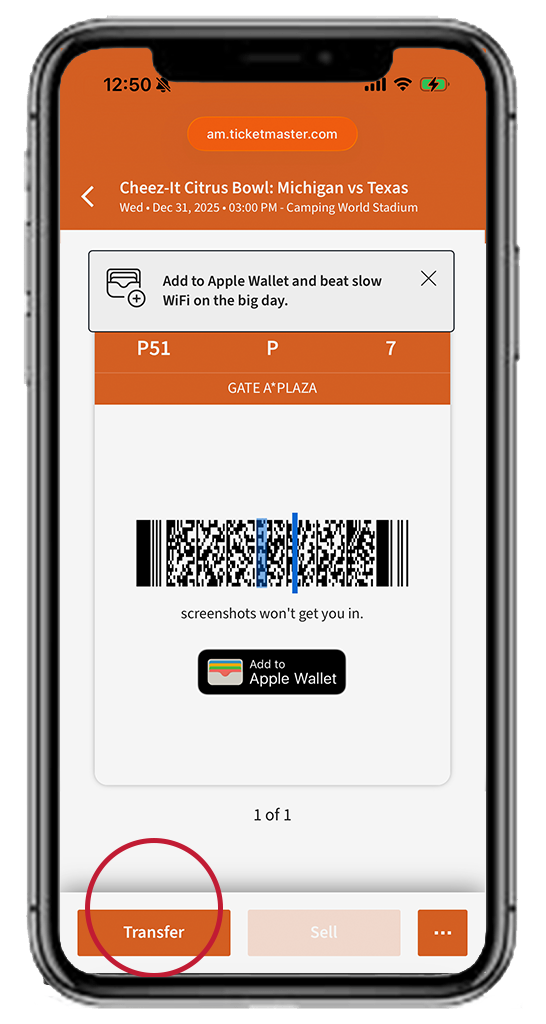
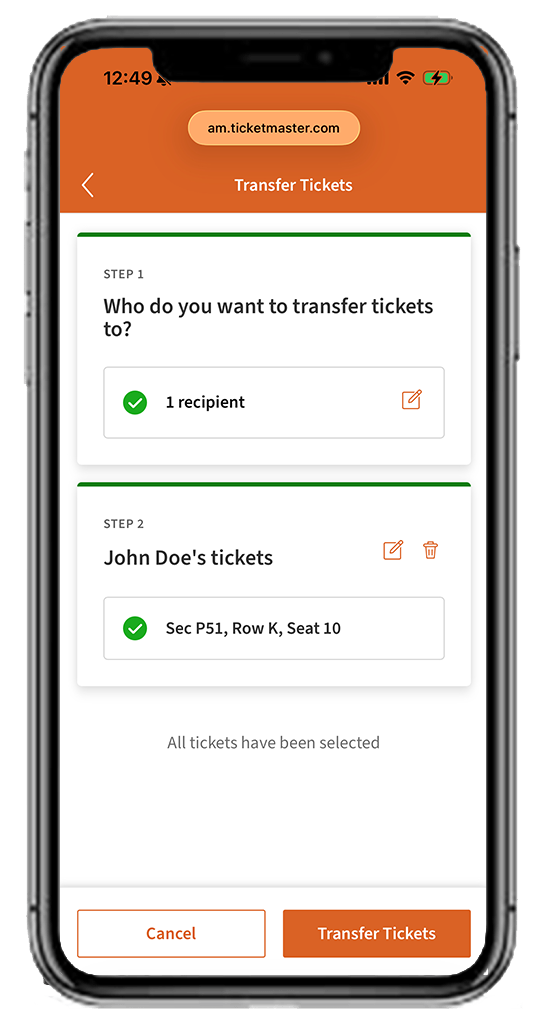 Then tap “Transfer” and you’re all set.